
You finish the model. The assembly is right, the dimensions are checked, the export is clean. Then the mundane part: getting the file to the client without it arriving as the wrong version, in the wrong format, or on a link that's dead by the time they open it.
Big and version-prone
CAD files are two things at once: big, and version-prone.
They're big. The native formats are manageable — a DWG (the native AutoCAD drawing) might run 50 MB to 500 MB. But the moment you export for a client who doesn't run your software, you're looking at STEP, DXF, or IFC, and a full assembly can jump to gigabytes. A STEP export of a real machine assembly commonly runs from a few hundred MB into the multi-GB range; point-cloud data and embedded attachments can push it well past that. A single Revit or SolidWorks assembly with attachments can land at 1 GB or more. Email's 25 MB ceiling isn't even in the argument — these files are 50 to 500 times too big.
They're version-prone. You know the file name: final_v3_REAL.dwg. The client knows a file name: final.dwg. Somewhere in between, someone sends the version from last week, or the one with the old dimensions, and now you're in a "which file did you actually send" thread that costs a day.
A shared folder makes it worse, not better
The instinct is to drop the file in a shared drive folder — Google Drive, Dropbox, OneDrive — and send the link. For a one-off client delivery, that's the wrong shape. The client has to be in your drive, deal with your folder structure, and pick the right file among the rest. And a shared drive link has its own expiry and quota problems: a Google Drive file can hit "download quota exceeded" if too many people pull it in a day, and the whole thing is a workspace, not a delivery.
What the client actually wants is one flat link that gives them exactly the file they need, with a note saying which version it is. Nothing else.
One flat link with the file name and a note
A transfer link, not a folder. One link, one file, a clean page. The client opens it, sees the file name and a short note ("Assembly STEP export, rev 4, dimensions final — 2.3 GB"), and downloads it. No account, no folder to navigate, no wrong file among a dozen others.
Three things make a CAD delivery actually land:
1. The link page should carry the file name. Not just "here's your file," but the exact file name and size, so the client can confirm they got the right thing before they even download. motor_assembly_rev4.step — 1.8 GB.
2. A one-line note on the version. "Rev 4, dimensions final, exported [date]." That alone fixes the final_v3_REAL problem — the version is stated on the page, not buried in a filename the client will misread.
3. No-expiry, so it's there when they're ready. A client doesn't always open the file the day you send it. If the link dies in 7 days and they come back on day 10, you're re-sending a 2 GB file and restarting the version conversation. A no-expiry link means the file is still there in a month, when the shop actually asks for it.
FileSplash gives you that by default: a no-expiry, branded delivery link, up to 1 TB per send, so a big assembly goes over without a plan upgrade. The client gets one clean link with the file name and your note; you don't manage a folder.
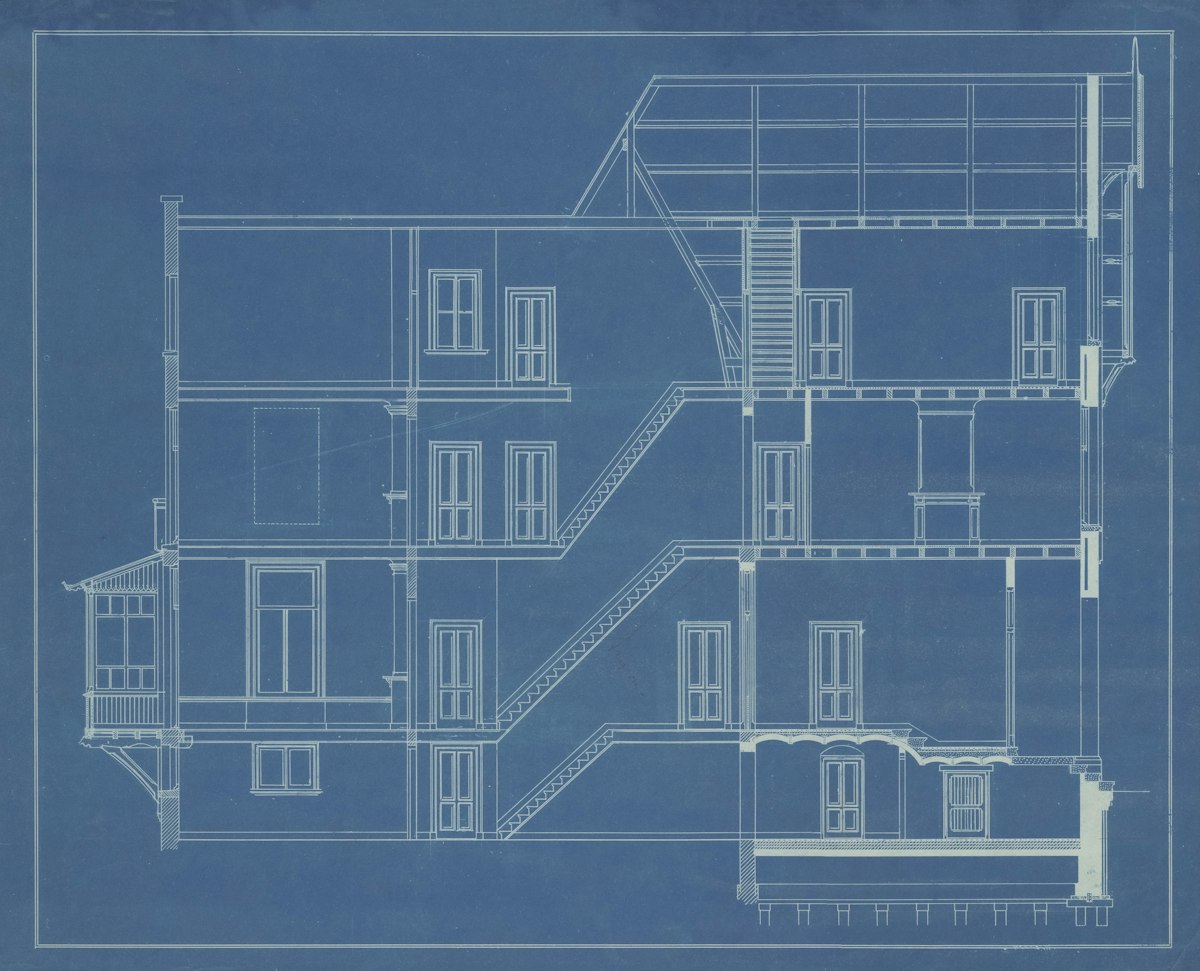
The clean hand-off
Big and version-prone is what makes CAD delivery a chore. A shared drive folder adds a workspace where you wanted a hand-off. A flat, no-expiry link with the file name and a version note is the clean answer: the client gets exactly the file, they know which version it is, and it's still there when they're ready.
See how this fits the wider designer workflow in file transfer for designers (PSD, 3D, CAD), or start free with a no-expiry link for your next assembly. The short version of the reasoning is at why FileSplash.