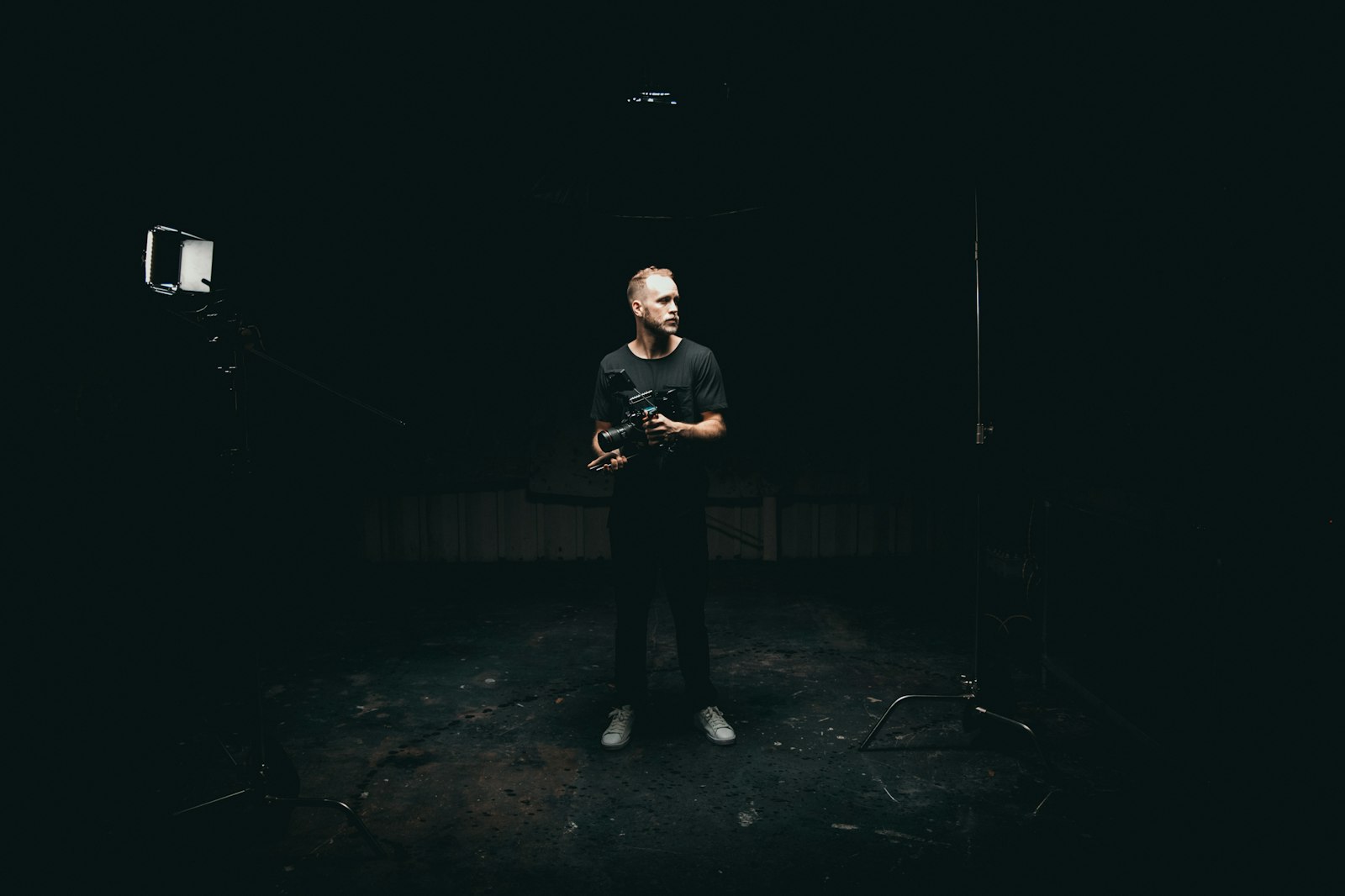
You've cut the edit. The client's waiting. And the file is 12 GB.
This is the moment a lot of video work falls apart — not the edit, the hand-off. Email can't carry it. WhatsApp will crush it. The free link you used expires before they get to it. And somewhere in the middle, a client is watching a compressed version and wondering what happened to the grade.
Teams who deliver video every day have settled on the same fix. It's not one tool. It's a sequence.
1. Send a delivery file, not the master
"Without losing quality" doesn't mean "send the biggest file you have." It means sending the client the version that looks right on the screen they'll use, without re-compressing it through a tool that quietly makes it worse.
Most video businesses end up with three tiers of file:
- The master. High-bitrate, editing-friendly codec (Apple ProRes). Huge by design — minutes of 4K ProRes run into tens of gigabytes. Most clients never need it, and many can't even play it smoothly on a laptop. Send it only when the client or their editor asked, or your contract says it's part of the deliverable.
- The delivery file. A high-quality MP4 in H.264 (or H.265/HEVC if you know the client's setup plays it). This is the file a marketing team uploads to social or a realtor puts on their website. H.264 plays nearly everywhere — the safer default.
- Web/social versions. Shorter cuts, vertical crops, lighter exports for a specific platform.
The mistake is skipping this. Sending a 50 GB ProRes master to a client who just wants to post a 30-second vertical cut is how you end up with a "this won't open on my Mac" email and a re-send.
2. Check the actual size, don't guess
Resolution alone doesn't determine size. Duration, bitrate, audio, and encoding all matter. Real numbers so you know which method fits:
- One minute of 4K from a phone: 300–500 MB
- Twenty minutes of 1080p at 8–12 Mbps: 1.2–1.8 GB
- Twenty minutes of 4K at 50 Mbps: ~7.5 GB
- A 60-second commercial in ProRes 422 HQ: 5–15 GB
- One minute of 150 Mbps drone footage: ~1.1 GB
- A half-day shoot of raw 4K from several cameras: 100–500 GB
Check the exported file. If it's bigger than the method's cap, pick a bigger method — don't quietly re-export smaller to make it fit.
3. Meet the five things a client-ready delivery needs
A client judges the delivery by the page they open. The bar is:
- One link, no account. The client clicks and downloads, on a laptop or a phone. No "create a password," no "request access."
- Your brand on the page. Logo, colours, ideally your own domain. A client should never look at another company's logo to collect the work they paid for.
- A password, sent in a different channel than the link — for anything sensitive or pre-release.
- An expiry that matches the project. Not three days. A window the client can actually work in.
- The review before the master. A fast, low-res version for notes first, then the full file once the cut's approved.
4. Make the upload survivable
A 50 GB upload on home internet takes a while, and the laptop will sleep or the router will blip. The question to ask before you trust a service with a real deliverable: does an interrupted upload resume, or start again? If it restarts, the advertised limit is meaningless — you'll never finish. Test it once with a real file before you need it.
The whole sequence, in one breath
Export the delivery file. Check its size. Upload it to a transfer link that resumes on a dropped connection. Add your logo, a password if it's sensitive, and an expiry that gives the client room. Send the link in an email with one line. If it needs feedback, send the review version first. Done.
The only variable is which link does it — and a no-expiry, branded link from $5/month (FileSplash Personal) covers the whole list above without a $23 plan.
Send your next video delivery on a link that's still alive when the client opens it. Start free →