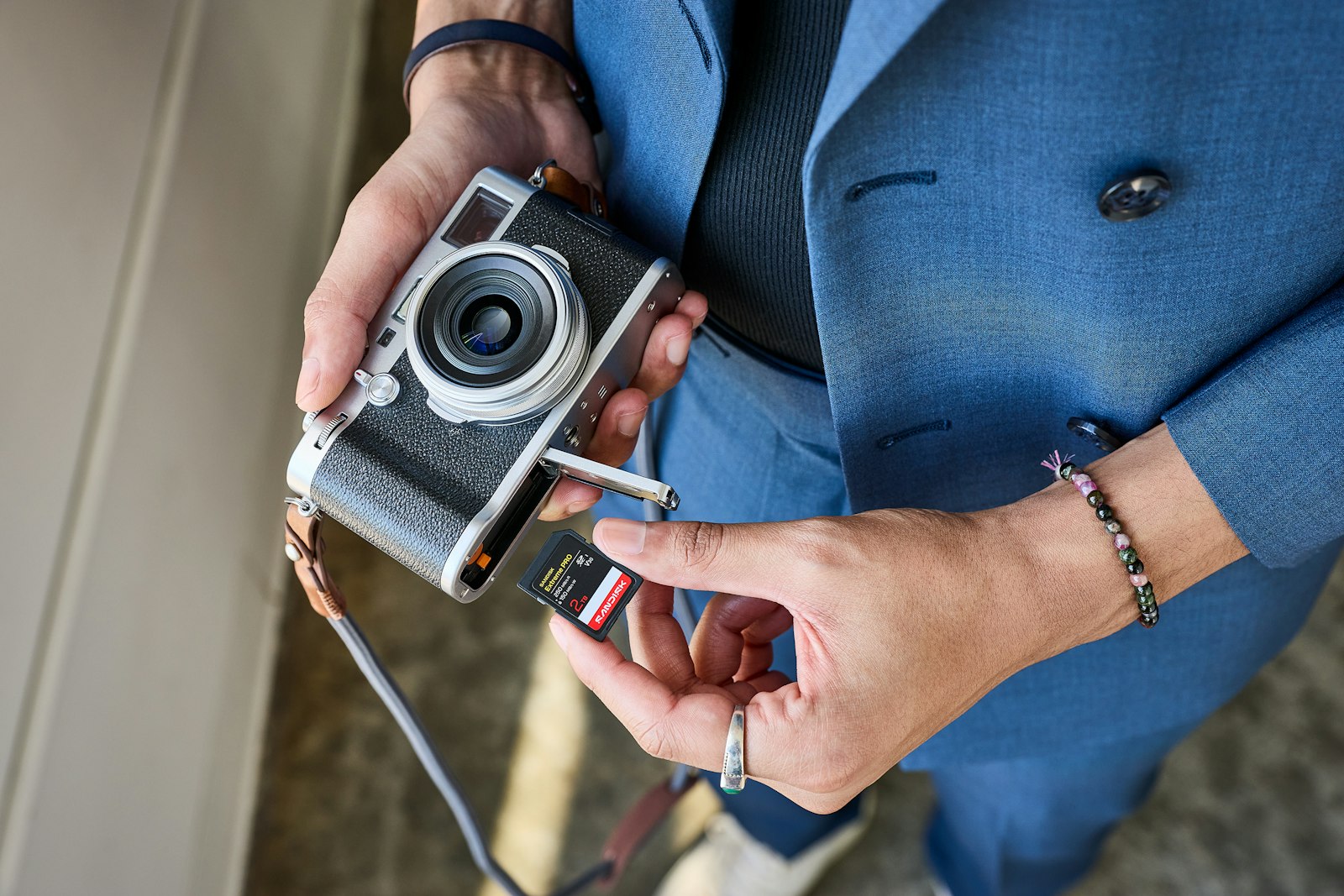
You finish a day of shooting and check the card: 40 to 80 GB of RAW, from a single camera body. Now the client wants "all the photos."
You and the client are thinking about two different things. You're thinking about the RAW files — your originals, your insurance, the unprocessed data. The client is thinking about photos they can use: sharp, coloured, ready for a frame or a feed. When you hand them 60 GB of RAW, you've sent them a file type they can't open, can't share, and don't want — and you've moved 60 GB to do it.
That hurts twice. First, the sheer size: a day of RAW blows past every email cap, every chat app, and every free-tier link, so the send itself becomes a project. Second, and more important, you've given the client the wrong file. They'll open the folder, find files that won't preview on their laptop, and come back asking "which ones are the good ones?" — a question you already answered when you edited.
Separate what the client wants from what you keep, and deliver them on two different tracks.
How big a day of RAW really is
A 24-megapixel RAW file is typically about 25–30 MB — around 25 MB in a compressed/lossy mode, ~30 MB lossless, and up to 50 MB if the camera writes it uncompressed. Multiply that by a full day of shooting (1,500–3,000 frames) and you land in the 40–80 GB range. That's the real size you're working with, and it's the number that breaks the usual delivery tools.
What the client actually wants
In the large majority of cases, the client does not want your RAW files. They want edited JPEGs — or, for print and archival, TIFFs. Those are the files that open on a phone, share in a group chat, and look exactly like the edit you made. The RAW is yours; it's the source you keep so you can re-edit, recover a frame, or deliver to a second buyer a year from now.
Sending the RAW to the client is like sending a restaurant customer the pantry instead of the plate. It's the same ingredients, but not what they ordered.
The tiered delivery
Run two tracks, not one:
- The gallery of edited files. The curated, edited JPEGs (or TIFFs) in one branded link — no account, download-all, your name on it. This is the primary delivery and the one the client will actually use. It's a few gigabytes, not dozens.
- An optional full-RAW link. For the few clients who specifically ask for the RAWs — usually the ones doing their own edits, or a commercial job where the contract says they get originals — you send a separate link with the RAW set. It's big, but it's a deliberate, one-off decision, not the default.
Most clients will never touch the second link. But having it means the "can I get the RAWs?" email is a yes, not a 60 GB scramble.
Why it's a link, not an email or a drive
The edited gallery is small enough for a link and wants to look like your brand, not a generic folder. The full-RAW set is big enough to need a link that can carry it and that doesn't expire while the client decides. Both of those point the same way: one no-account, no-expiry, branded link per track, with your name on it.
The delivery properties behind this — one link, no account, your brand, download-all, review-before-master — are covered in how to deliver wedding photos to clients. And the case for a no-expiry, branded link that can hold both a gallery and a 60 GB RAW set is in Beautifully Delivered.
Send them the photos they want. Keep the RAWs where they belong — with you. Start free →