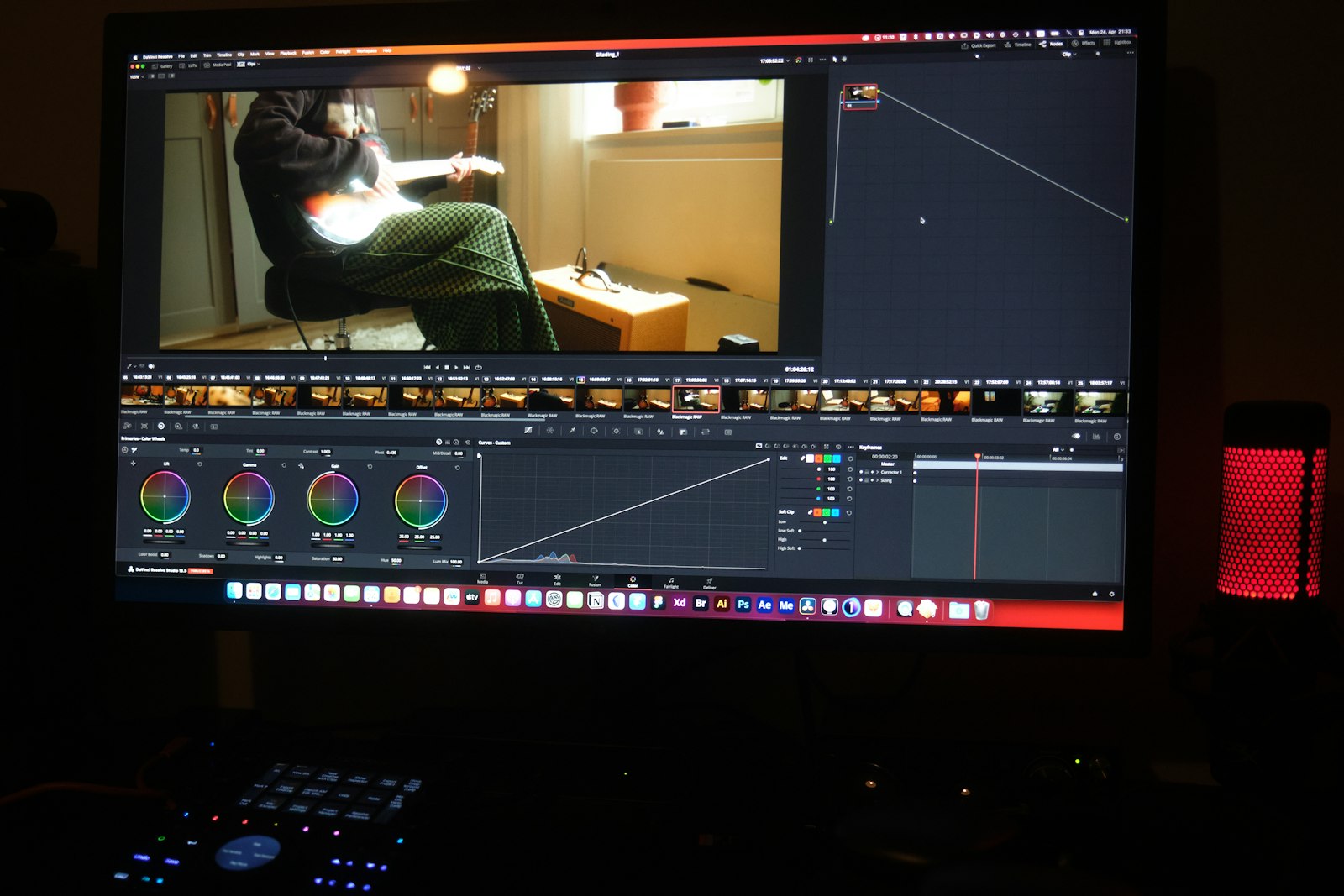
You send a 4,000-photo wedding set. Two weeks later the client has screenshotted watermarked proofs, your name is on a forum thread, and a "leaked" set of your best frames is circulating before the album exists.
You didn't leak it. The proofing step did — or rather, the absence of one.
What proofing actually is
Photo proofing is the step where the client sees, picks, and approves the selection before you spend the time (and the bandwidth) delivering full-resolution masters. It's review-before-master made concrete: a cheaper, smaller version goes out first, the client makes choices, and only then do the expensive files ship.
It answers three questions the client has anyway: which photos did you keep, which do you want, and do we agree on the edit? Getting those answers before the masters go out is what keeps a re-edit from turning into a re-delivery.
Watermarked or clean
A watermark is a deterrent, not a security. It slows a casual screenshot. It does not stop a determined one, and it does nothing for a file that's already been downloaded. If your real fear is the client using proofs as finished images, the watermark is theatre — it makes you feel protected while doing little.
So pick based on what you're actually protecting:
- Clean previews, no watermark. The client sees the true edit, picks faster, and the review feels professional. The risk is a proof being used as a finished image. Acceptable when the proof is a deliberate, smaller, dated version and the contract says proofs aren't for publication.
- Watermarked proofs. The right call for pre-release, confidential, or high-theft-risk work (a launch, a campaign, a celebrity). The watermark signals "not final" and deters the casual reuse. Don't pretend it's a lock — it's a signpost.
Either way, the proof is one link, dated, with your brand on it — and the client can view it in a browser or download it. No account, no folder tree. A dated link means "this is the version you're reviewing" is never in question.
Dated, and on one link — so "which version" stops being a question
A dated proof link does quiet, important work. It means the version the client is reviewing is the version — not a stale copy they saved last week, not a file that looks almost the same as another. One link, one date, one brand on it. The client can open it in a browser, flip through on a phone, and come back the next day to the exact same set.
That's the opposite of a shared drive, where the same selection can live in three folders under three near-identical names, and nobody is sure which one is current. A proof link is a single source of truth for the review, the way a master file is a single source of truth for the edit.
Approval, then masters — same link, no re-upload
When the client says approved, you don't start over. The full-res masters go out on the same link (or a second, clearly labelled one), and because you're not re-building a delivery from scratch, the masters ship the same day the approval lands.
That's the difference between proofing as a checkpoint and proofing as a second project. One link, one approval, one exit — and the masters never go out before the client has actually chosen.
The five-step version of this — proofs, review, written approval, masters, confirm receipt — is laid out in what is a client approval workflow. And why a no-account, no-expiry, branded link is the cheapest place to run the whole review is in Beautifully Delivered.
Proof once, approve once, deliver once. Start free →