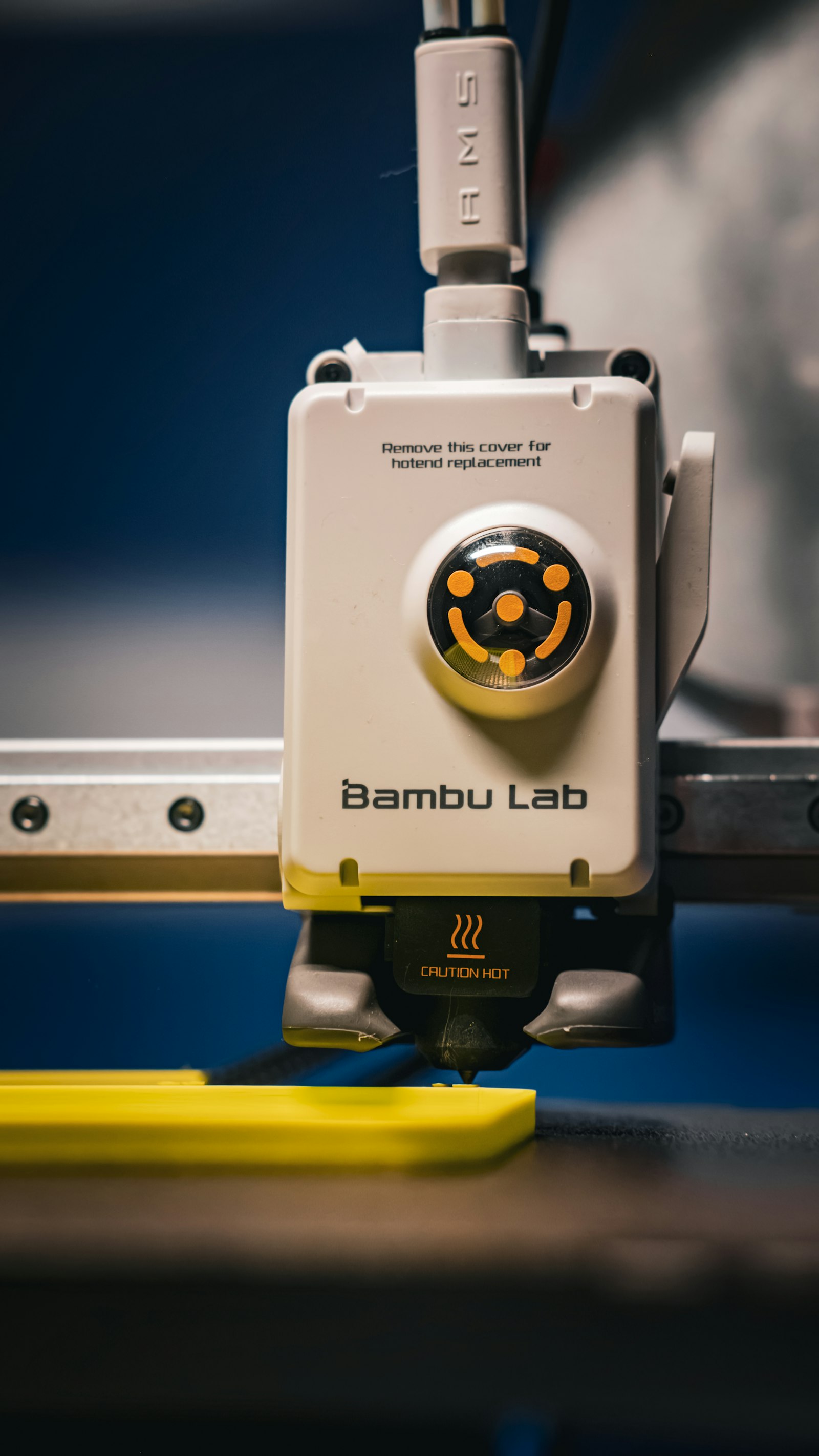
You've got the model. It's designed, it's checked, it's ready to print. Now the part that trips people up: getting the file to the person who's actually going to print it — a maker friend, a local print shop, a client — without the file vanishing before they get to it.
Two formats, one size problem
There are two file types that matter here, and knowing the difference saves you a round-trip.
STL is the old default. It stores geometry only — the surface of the part as a cloud of triangles. It's universal, every slicer opens it, and it's simple. The tradeoff: it carries no units, no colour, no material, no orientation. A multi-colour or multi-material model can't live in an STL at all.
3MF is the newer open standard, built to fix everything STL got wrong. It's a single file that carries colour, material, units, orientation, and print parameters alongside the geometry. If your model has colour or multiple materials, 3MF is the one that keeps it intact.
Either way, size is the real issue. A simple part might be a few MB. A detailed model — a full figure, a textured prop, a complex mechanism — can run from a few hundred MB into the gigabytes. And that's the file you're sending, not a photo of it.
Where makers share today
Most 3D print files move the same three ways: a print-sharing site (you upload the model, anyone can download it), a cloud drive (Google Drive, Dropbox, OneDrive — you send a share link), or a transfer service (you send a direct download link).
The drive route is the default, and it has a quiet trap. A shared drive file can hit "download quota exceeded" when too many people pull it in a day, the recipient usually needs an account in your drive's world, and the link is tied to a workspace, not a delivery. For a one-off "here's the model for the shop," that's more friction than the job needs.
Prints happen later than you send
Print shops and maker friends don't always print the day you send the file. You hand over the model on a Monday; the shop's queue is full; they ask for it again in a month. By then, your free transfer link has expired (many die in 7 days) and the drive link has hit its quota or been cleaned up. You're re-sending a 500 MB model and explaining the version again.
The fix is a no-expiry link. One link, one file, still there a month later — or a year — when the print actually happens. No quota, no account for the recipient, no "the link's dead, can you re-send."
FileSplash is built around exactly this: a no-expiry delivery link, up to 1 TB per send, with a branded page. You send the STL or 3MF, the shop opens the link whenever their queue clears, and the file is the same file you sent, with a note about which version it is. For a model that's going to get printed more than once — and most are — a link that never dies is worth the small price.
Free for today, no-expiry for later
If your model is a simple one-off and the person will print it today, a free transfer is fine. If it's a detailed model, a multi-material 3MF, or the print is happening later than today, you want a link that's still there when they ask.
See how this fits the wider designer workflow in file transfer for designers (PSD, 3D, CAD), or start free with a no-expiry link for your next model. The short version of why it's built in is at why FileSplash.