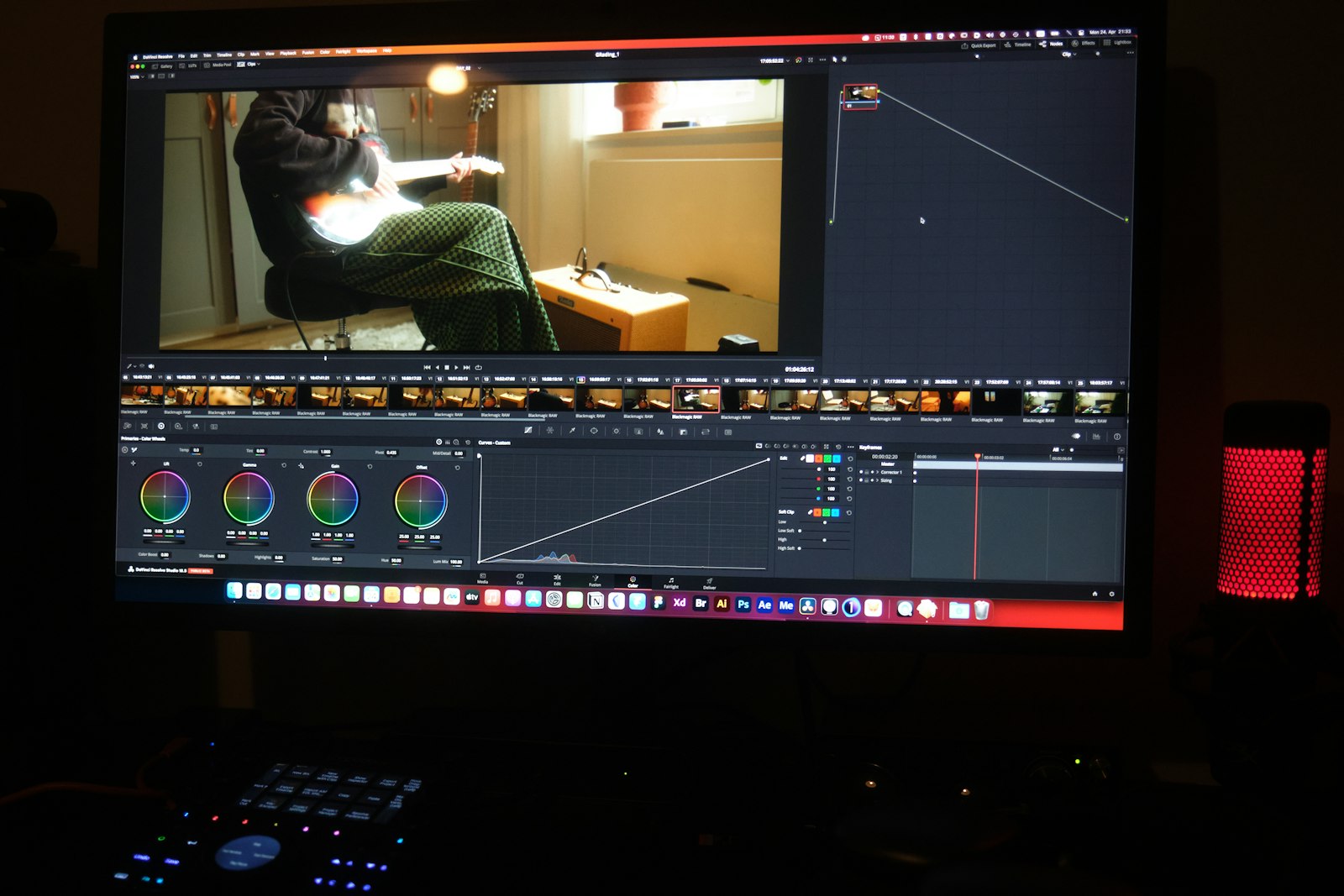
A delivery file is the version of your video you send to the client — sized for them to watch, approve, share, or post. A master file is the full-resolution, full-codec original you keep as your source of truth and your insurance.
Same footage, same look, same edit. Different size, different job.
Confusing the two is the most common reason a video hand-off goes wrong — and almost every client only ever needs the delivery file.
What a master file is
A master is made for you and for the archive, not for the client. It's encoded in a high-bitrate, editing-friendly codec — usually Apple ProRes or a similar "mezzanine" codec — so that colour, detail, and the ability to re-edit are all preserved.
That's expensive in file size by design. A 20-minute 4K ProRes master easily runs 100 GB or more. That's not a mistake; it's the cost of keeping every bit of information in the file so you can cut it again, regrade it, or deliver it to a second client a year from now.
The master is your insurance. It's what you keep. It is not, in almost every case, what you send.
What a delivery file is
A delivery file is a re-encode of the same cut, sized for a screen. It's usually a high-quality MP4 in H.264 (or HEVC/H.265 if you know the client's player handles it), at a lower bitrate than the master, with the same picture, same grade, and same audio.
The look should be identical to the master on the client's screen. What changes is the size. That same 20-minute 4K edit that's 100 GB as a ProRes master comes out as roughly 2–5 GB as a review-grade delivery file (a higher-bitrate 50 Mbps H.264 version sits around 7.5 GB). Either way, it's small enough to upload in one go and small enough for the client to download on a laptop or a phone.
| Version | Typical codec | 20 min, 4K | Job |
|---|---|---|---|
| Master | ProRes 422 / HQ | 100 GB+ | Archive, re-edit, insurance |
| Delivery file | H.264 / HEVC MP4 | 2–5 GB (up to ~7.5 GB) | Client review, share, post |
| Web/social cut | H.264 MP4 | under 500 MB | One platform, a vertical crop |
The delivery file is the default send. The master is the default keep.
Why clients never need the master
A client's job is to watch and approve, not to edit. A 100 GB ProRes file gives them nothing extra on a normal laptop screen, and it often won't even play back smoothly without the right hardware. What they need is a file that opens instantly, looks right, and can be forwarded or posted.
That's exactly what a delivery file is. Sending the master instead is a bandwidth tax on both of you: it takes you far longer to upload, the client takes longer to download, and you've moved a lot of data you didn't need to move. If a client or their editor genuinely needs the master, that's a contract point — plan for it, then send it on purpose.

The rule that keeps the hand-off clean
- Cut and grade on your master.
- Export a delivery file — H.264 MP4, same look, a size the client can actually open.
- Send the delivery file on one link, no account, with your brand on it. Keep the master on your storage.
The client should collect the work from a page with your name on it, not from a 100 GB download. That's the idea behind Beautifully Delivered. And the full method for sizing and sending is laid out in how to send large video files to clients.
Know the difference, then send the right file. Start free →